Part 01Discovery, Concept & Creative Positioning
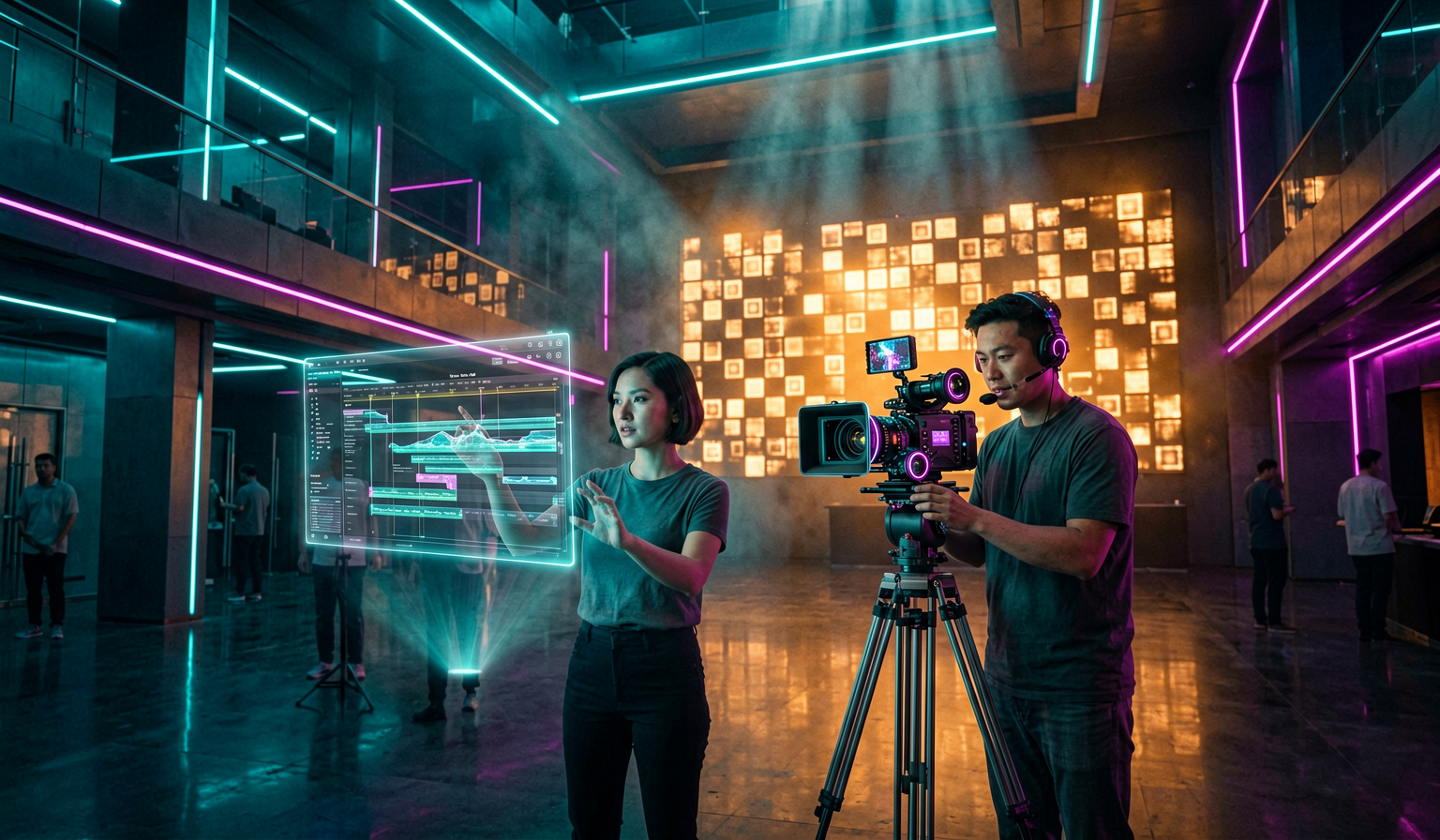
This stage turns scattered inspiration into a usable creative brief. Students learn to identify audience intent, story promise, format, platform, genre, mood, constraints, and success metrics before any AI tool is opened.
- Define the core idea, target audience, emotional outcome, and distribution context.
- Create mood references, tone boards, positioning statements, and a one-page creative north star.
- Convert broad ideas into clear prompts, scene objectives, and production-ready constraints.
- Practice evaluating whether an idea should become a short film, ad, music video, vertical reel, or branded content piece.
Part 02Story, Script & Narrative Design
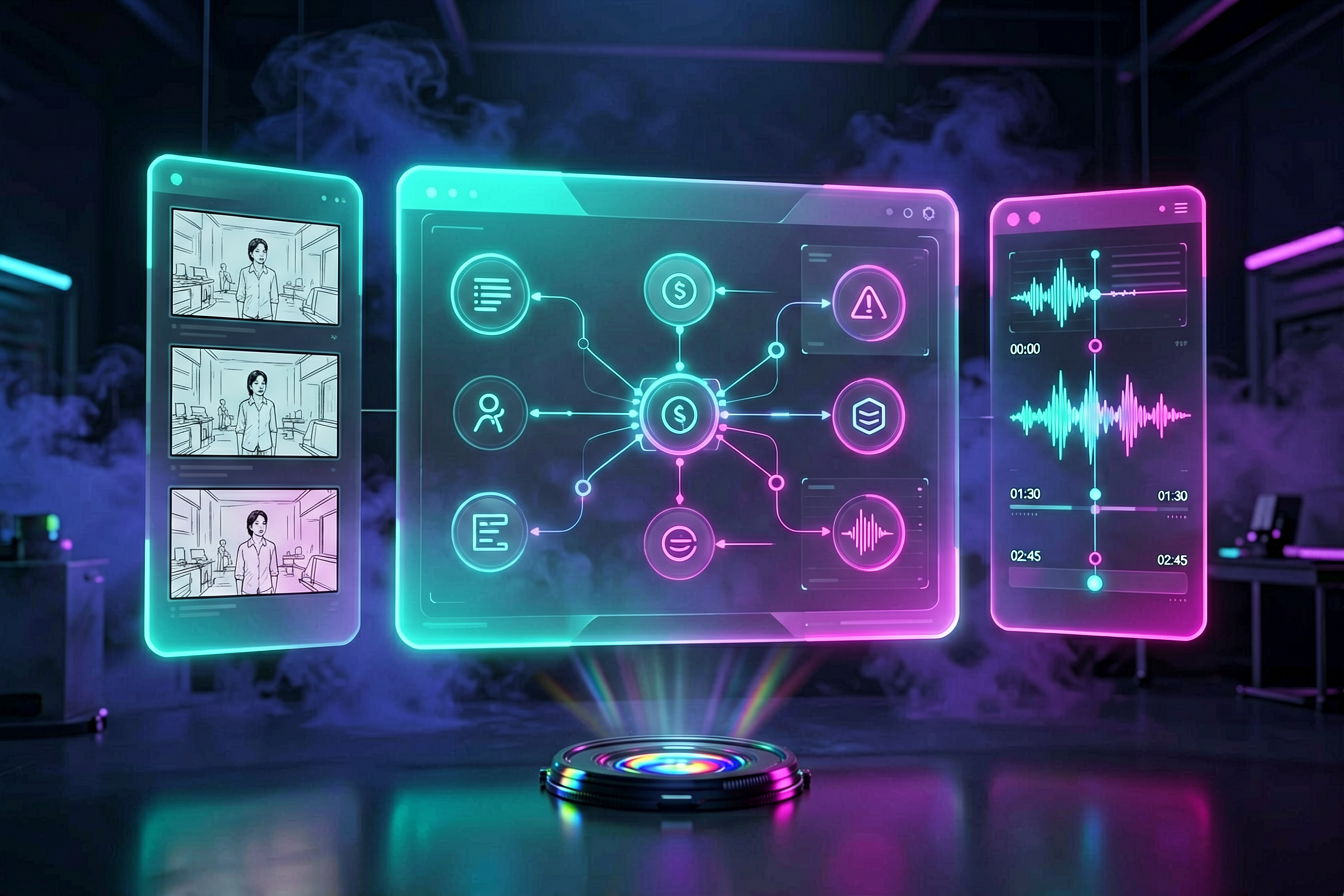
Story is the control layer for every AI output. Students learn cinematic structure, scene beats, voice, pacing, character intention, conflict, visual hooks, and how to prepare scripts that can survive AI production workflows.
- Write loglines, synopsis drafts, scene cards, voiceover scripts, ad scripts, and reel scripts.
- Break stories into shots, moments, transitions, and emotional beats.
- Use AI as a writing partner without losing authorship, taste, or narrative clarity.
- Design scripts for generation feasibility: continuity, simple action logic, visual specificity, and edit-friendly rhythm.
Part 03Visual Worldbuilding & Design Language

This is where ideas become a recognizable visual universe. Students build style bibles, character references, environment rules, color palettes, lens language, lighting logic, and continuity systems for AI-generated scenes.
- Create visual bibles with frame references, camera vocabulary, wardrobe, production design, and texture rules.
- Translate cinematic intent into controllable prompt language for image and video systems.
- Develop repeatable character, environment, and brand consistency workflows.
- Learn how framing, lighting, aspect ratio, motion, and composition influence perceived production value.
Part 04AI Generation, Direction & Iteration
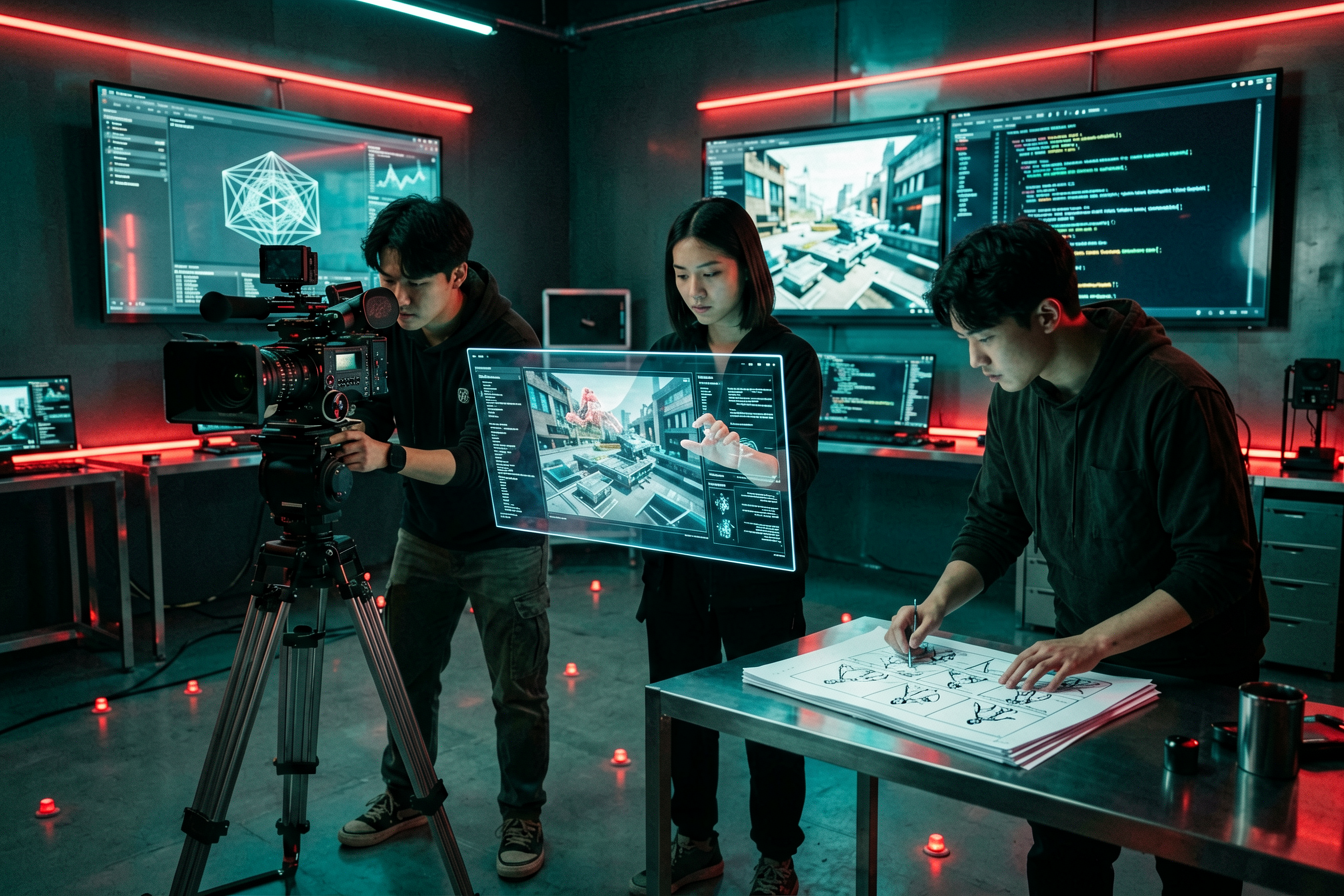
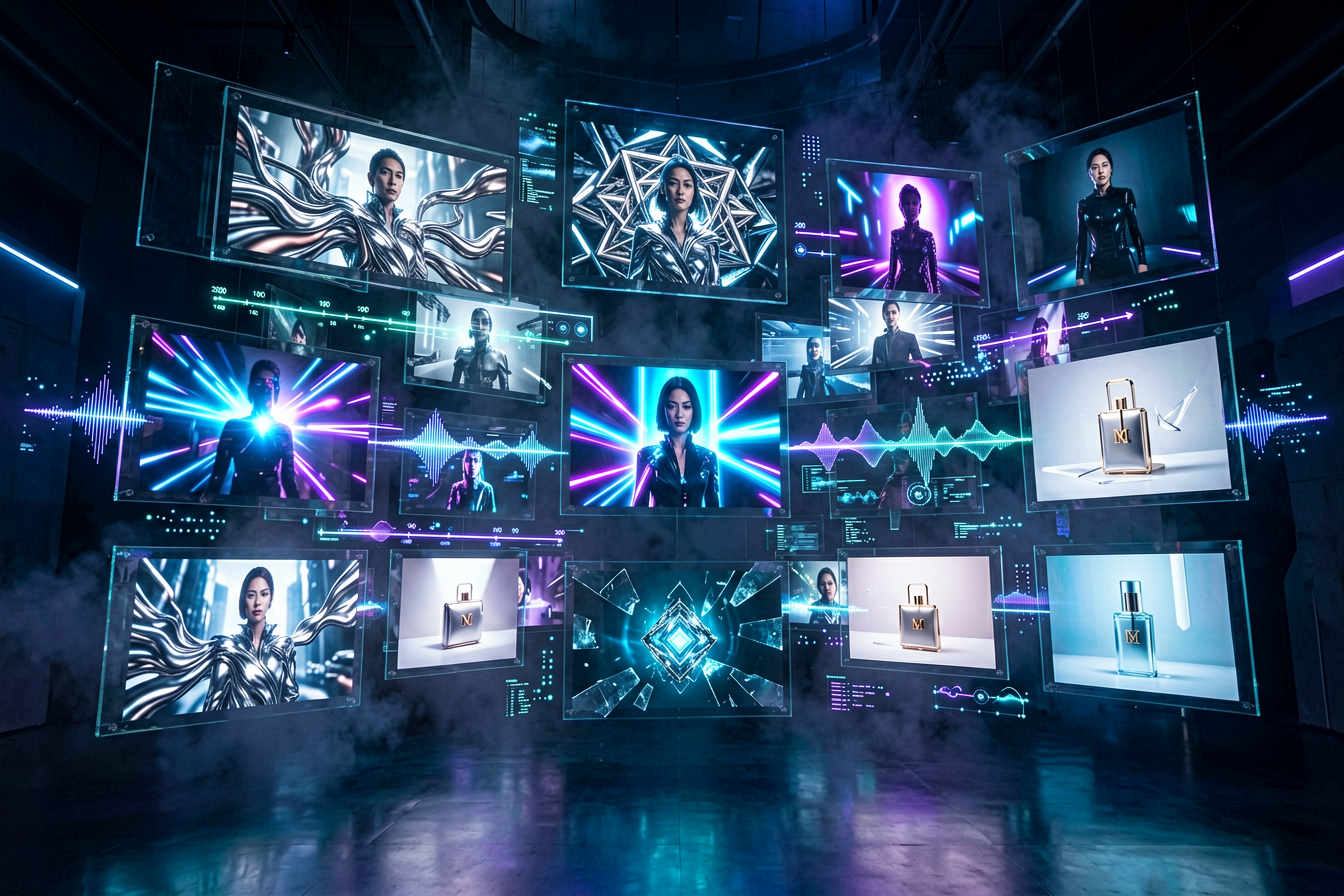
Students move from passive prompting to active directing. This stage covers image generation, video generation, motion control, shot refinement, regeneration strategy, error diagnosis, and tool-specific decision making.
- Direct AI outputs through prompt stacks, reference images, seed strategy, camera motion, and style constraints.
- Build shot lists and generate sequences that can actually cut together.
- Analyze failures such as identity drift, broken hands, inconsistent motion, over-stylization, and weak continuity.
- Use iteration logs so creative choices become repeatable instead of accidental.
Part 05Edit, Sound, Grade & Finishing
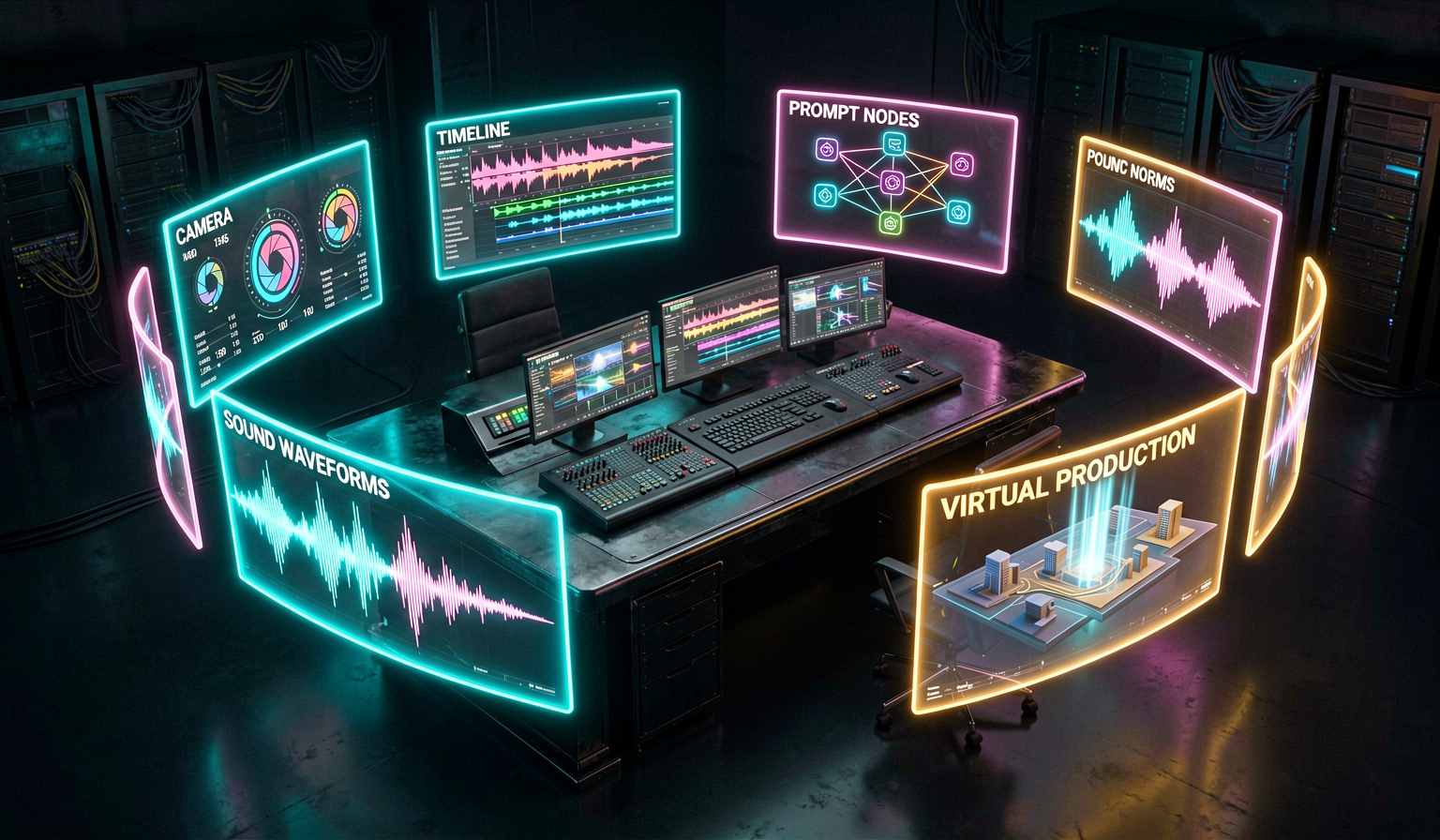
Raw AI clips are not finished films. Students learn the finishing layer: edit rhythm, sound design, music, dialogue cleanup, transitions, typography, color grade, reframing, and platform-specific exports.
- Cut AI-generated clips into coherent cinematic sequences with timing and emotional flow.
- Design soundscapes, voiceover, music beds, impact sounds, and silence for dramatic control.
- Apply grading, aspect-ratio decisions, captions, title treatments, and delivery formats.
- Package projects for reels, pitch decks, YouTube, ads, festivals, client previews, or portfolio pages.