01. Cinematic Visual Creation
FramesLook DevScene DesignVisual Continuity
Students learn how to turn concepts into production-grade stills and visual frames. The focus is not just making attractive images; it is learning visual intention, cinematic framing, mood, genre language, lighting, texture, environment design, and continuity between frames.
- Translate scripts and briefs into visual bibles, mood boards, color worlds, and shot references.
- Understand lens language, camera height, subject blocking, negative space, depth, silhouette, and foreground layering.
- Build consistent characters and environments across multiple prompts and reference chains.
- Diagnose visual problems such as generic style, weak composition, over-rendering, and inconsistent identity.
02. Full Creative Pipeline
ScriptStoryboardGenerateEditPublish
This module connects every stage of production into one repeatable system. Students learn how to move from idea to final output without losing clarity between writing, visual generation, motion, editing, sound, and delivery.
- Create project folders, naming systems, prompt logs, reference banks, and revision history.
- Break a concept into deliverables: poster frame, shot list, video sequence, sound plan, captions, and exports.
- Build pipelines for short films, commercials, social reels, music videos, pitch teasers, and previsualization.
- Learn when to regenerate, when to edit around flaws, and when to simplify a creative decision for production success.
03. AI Tools Mastery
MidjourneyRunwayKlingPikaSuno
Tools change quickly, so this module teaches tool judgment instead of dependency. Students learn how to compare systems, select the right tool for the task, move assets between platforms, and combine outputs into a professional workflow.
- Understand the strengths and limits of image, video, audio, voice, and editing AI platforms.
- Use prompt styles, references, image-to-video, motion controls, upscaling, cleanup, and remix workflows.
- Combine tools for complex outcomes: visual generation, motion creation, music, voice, subtitles, and finishing.
- Create a personal tool stack based on project type, quality need, speed, cost, and client expectations.
04. Prompt Engineering
LanguageControlIterationDebugging
Prompting is treated as directing. Students learn how to specify subject, action, camera, lens, lighting, motion, emotion, era, texture, style boundaries, and negative constraints in ways that produce reliable creative control.
- Build prompt formulas for portraits, scenes, products, film stills, motion shots, and brand visuals.
- Use layered prompting: concept prompt, art direction prompt, technical prompt, continuity prompt, and correction prompt.
- Practice prompt debugging by isolating the cause of weak outputs and revising with intention.
- Maintain prompt journals so successful styles and workflows become reusable intellectual property.
05. Real Projects
FilmsAdsMusic VideosReels
The program is built around applied output. Students work on assignments that mirror real creative briefs so they learn deadlines, constraints, quality thresholds, revision cycles, and presentation discipline.
- Produce a short AI film concept with script, visual frames, motion tests, edit, and sound.
- Create an ad or brand spot with audience, message, product mood, and platform export in mind.
- Build a music-video or visualizer sequence using AI imagery, motion, rhythm, and sound design.
- Develop vertical reels that work as standalone social content rather than cropped-down film scenes.
06. Portfolio Building
ShowreelCase StudiesPitch DeckClient Readiness
Students learn to present AI work professionally. The goal is to show not only the final result but also the thinking, constraints, iteration, and production value behind the result.
- Design a portfolio structure with hero projects, short clips, process frames, and written case studies.
- Write project descriptions that explain brief, role, tools, creative decisions, and outcome.
- Prepare showreels, thumbnails, project covers, social cuts, and presentation decks.
- Learn how to talk to clients or studios about timelines, revisions, deliverables, and usage expectations.
07. Live Production & Studio Exposure
Brief RoomProduction ReviewMentor CritiqueDelivery
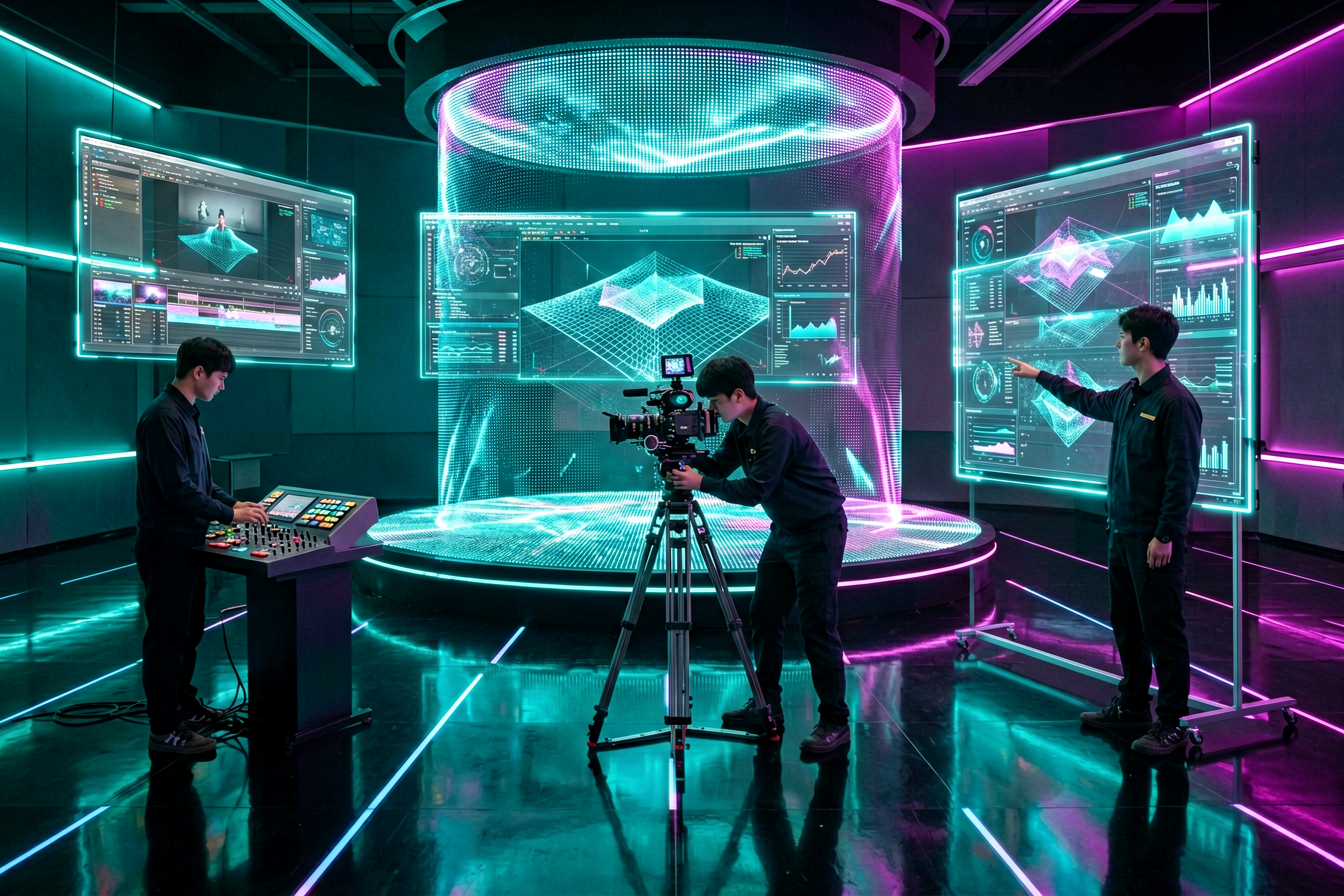
This module simulates the pressure and rhythm of professional production. Students learn to receive briefs, make fast decisions, collaborate, respond to critique, and deliver finished work with clear rationale.
- Practice live creative breakdowns: what is the goal, who is the audience, what must be delivered, and what can fail?
- Present work-in-progress for critique and translate feedback into concrete revision actions.
- Understand production roles across direction, art, generation, editing, sound, and project coordination.
- Develop confidence in explaining AI workflows to non-technical stakeholders.
08. Mentorship & Career Direction
GuidanceCreative IdentityOpportunitiesNext Steps
Mentorship helps students turn learning into direction. The focus is on creative identity, skill gaps, portfolio positioning, income paths, professional behavior, and long-term growth in the evolving AI media ecosystem.
- Identify the creator’s strongest lane: filmmaking, advertising, social content, music visuals, previsualization, or AI art direction.
- Review personal portfolio gaps and create a focused improvement plan.
- Discuss freelance, studio, agency, and entrepreneur pathways for AI-enabled content creators.
- Prepare a next-90-days roadmap after the course: project targets, outreach, learning upgrades, and portfolio publishing.